





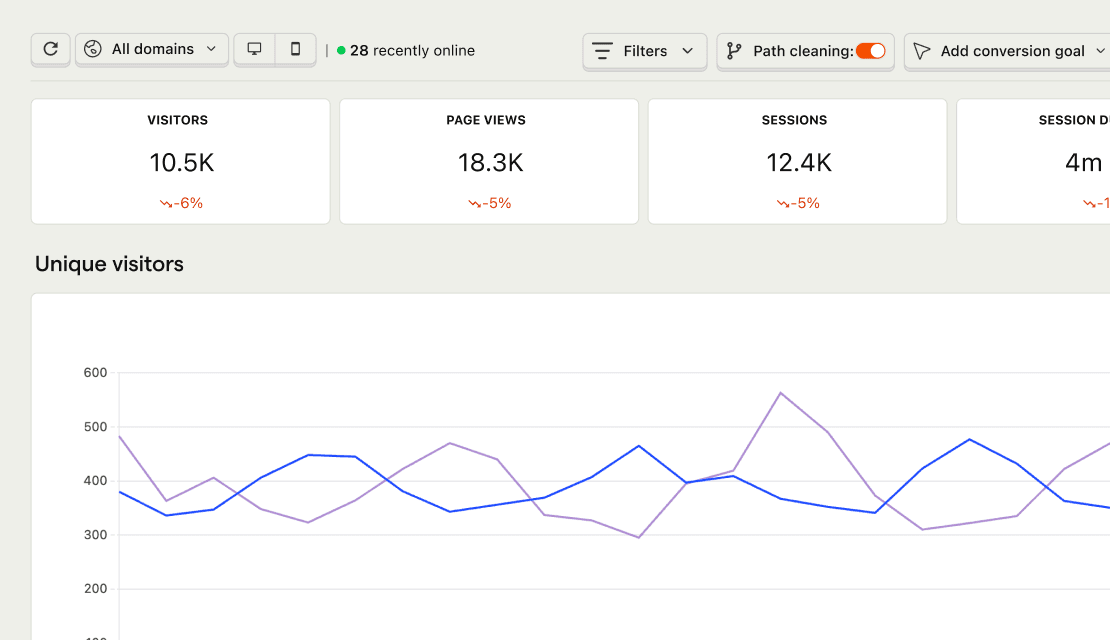

Privacy-focused web analytics
Web analytics is one of the tools that makes your product self-driving: the lightweight measurement layer that feeds agents traffic context. Built to natively work with session replay, feature flags, experiments, and surveys.
Install with AI in a single prompt
Paste into your terminal or code editor and make AI do the work.
What does it do?

Web Analytics is a pre-built dashboard for website traffic – visitors, pageviews, sessions, bounce rate, referrers, UTMs, and Core Web Vitals – without the GA4 maze. Drop in a snippet (or use a no-code install), get real-time data, and optionally skip cookies entirely. Same events power product analytics and session replay when you want to go deeper.
Who is it for?
Web Analytics is used across teams depending on your role.
How do I use it?
There are a few ways to explore Web Analytics.
Check traffic without leaving your editor
Ask PostHog AI about traffic from Cursor, Claude Code, VS Code, or any MCP-compatible agent – then keep coding with the answer in context.
Top features
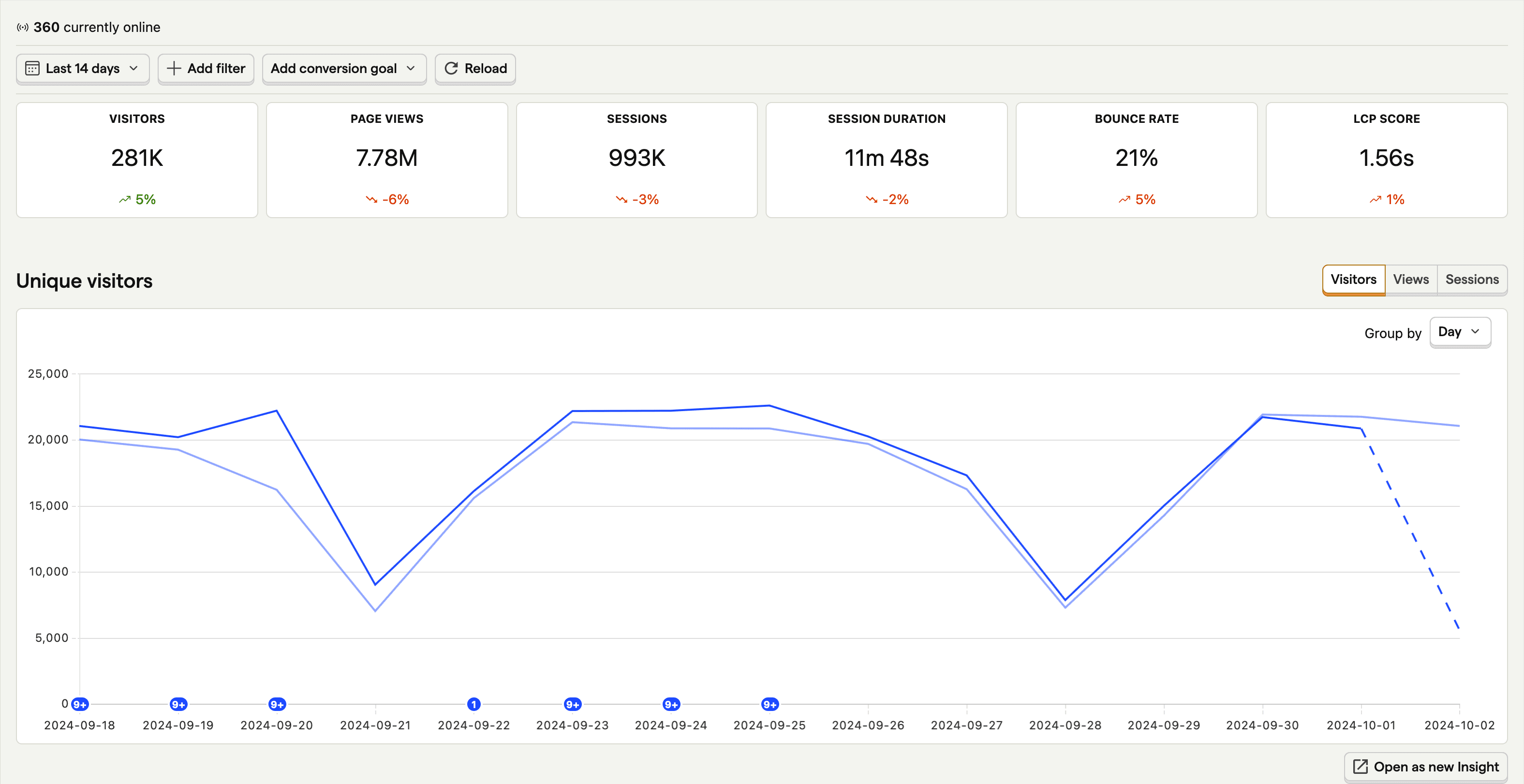
Track visitors. Cookies not required.
If you're privacy-focused, our cookieless option means you don't need to add a cookie banner just for your web analytics.
AI prompts
Query web analytics data to check traffic trends, investigate anomalies, and build dashboards. Works in PostHog AI (in-app chat), PostHog Desktop (our AI code editor), and in your product editor (using the MCP). Already signed in? Click a prompt to try it.
Traffic overviewquery-web-overview
Breakdownsquery-web-stats
Web vitalsquery-web-vitals
Build & saveinsight-create
Works with other PostHog tools
Use Web Analytics with these other PostHog apps to maximize shareholder value.
Works with...
Product Analytics
Go deeper than a dashboard by building your own insights and SQL queries from scratch.
Session Replay
Get more context by watching what users actually do on your site. Spot the nuances that quantifiable data doesn't tell you.
Surveys
Get even more context by sending surveys to users. Arrange interviews. Ask questions. Serve pop-ups.
Changelog
Recent updates from the Web Analytics Team.
July 2026(3)
- Jul 24
AI traffic gets its own channel
Visits from AI assistants such as ChatGPT, Claude, and Perplexity are classified in a dedicated Web Analytics AI traffic channel instead of…
- Jul 24
Recognize more AI agent traffic
Electron desktop apps such as Claude and ChatGPT, plus self-declared AI crawlers, are classified as AI agents in Web Analytics.
- Jul 24
Query Core Web Vitals with MCP
The new query-web-vitals MCP tool returns Core Web Vitals path breakdowns with metric, percentile, and threshold options, without…
April 2026(2)
- Apr 23
Weekly web analytics summary via MCP
Web Analytics summary data is now accessible via MCP. You can query a weekly summary for traffic, top pages, and referrers data through any…
- Apr 17
Weekly email digest for Web Analytics
Your Web Analytics dashboard now comes to you. Opt in to the weekly digest for a summary of visitors, pageviews, top pages, and goal…
March 2026(1)
- Mar 13
Pinterest Ads as a marketing data source
You can now connect your Pinterest Ads account as a Marketing Analytics data source to track campaign performance alongside your other ad…
February 2026(2)
- Feb 27
Live world map view in Web Analytics
See the location of your visitors in real time on your Web Analytics dashboard.
- Feb 27
Last seen on user profiles
Adds a "last seen" column to the persons list, person profiles, and notebook nodes, allowing users to quickly see and sort by a person's…
January 2026(1)
- Jan 8
Average time on page
You can now find average time on page metrics under Web Analytics > Pages reports tab.
December 2025(3)
- Dec 23
Marketing Analytics is GA 🔔
Marketing Analytics is now available to everyone. Track campaigns, costs, and conversions across multiple advertising platforms, all in one…
- Dec 12
Map campaigns to non-integrated sources
Non-integrated conversions (those with UTM parameters that don’t match any integrated campaign data) are now shown in a separate table in…
- Dec 12
Installation health for Web Analytics
There’s a new Health tab that shows how your Web Analytics installation setup is doing at a glance. If something important is missing,…
Questions?
Answers
There are a few ways you can get answers to specific questions about Web Analytics.
- Check the docs
We have an entire docs-wizard dedicated to docs gardening.
- Search the community forums
With over 100 discussions about Web Analytics, there's a good chance your answer is already answered!
- Ask PostHog AI
It's an incredibly useful AI chat that understands the product, docs, community questions, our codebase, GitHub issues, and industry knowledge.
- Talk to a human
Dedicated humans are standing by and ready to assist. Best for questions about volume pricing, terms, and sexy legal stuff.
Feature comparison
Install
Add a snippet, SDK, or no-code install – then open the pre-built dashboard. Autocapture handles pageviews; cookieless mode is optional.
Web frameworks
Popular



All




















Get started – free
No credit card required. You get the first 1,000,000 events free every month, then pricing starts at $0.00005/event and reduces with volume.